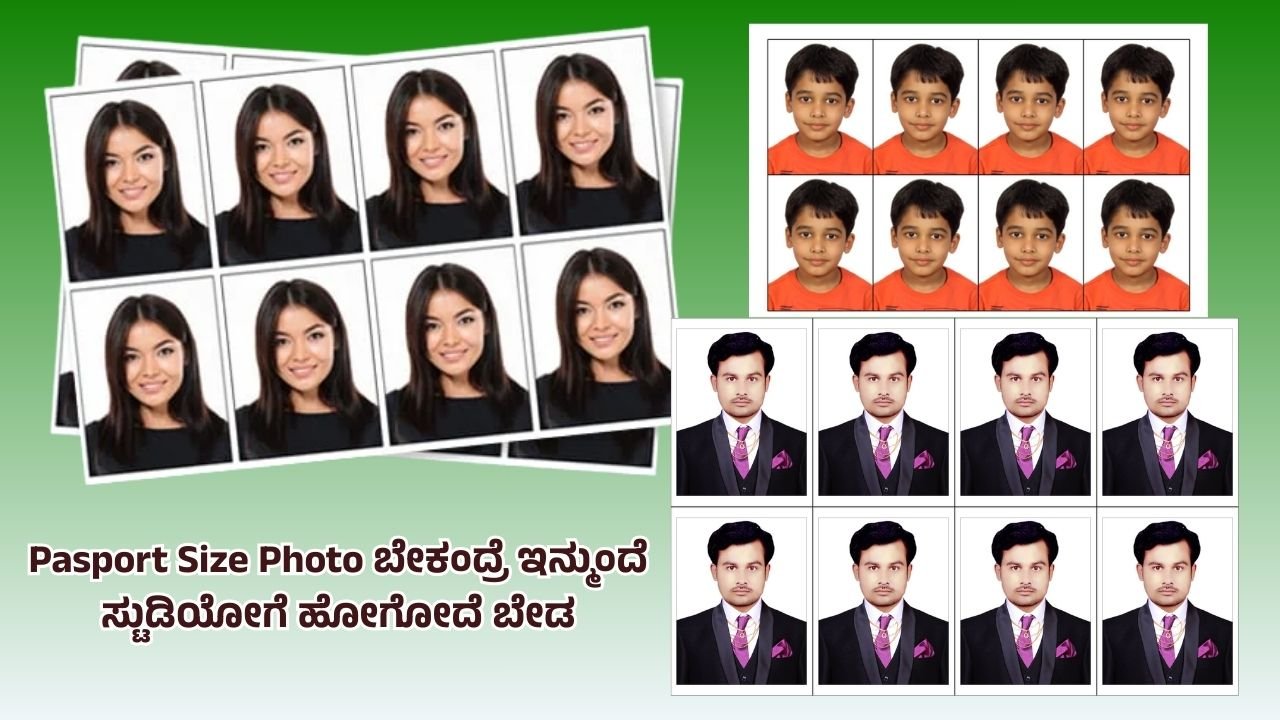
A passport size photo is one of the most commonly required documents for identification purposes. Whether it is for a passport application, a government form, a college admission process, or even a job application, having a proper passport size photograph is essential. Many people go to professional photo studios to get it done, but with the availability of smartphones, cameras, and editing tools, it is now possible to create a passport size photo at home. The process is simple if you know the correct requirements and steps to follow. This article explains in detail how you can create a passport size photo step by step.
Step 1: Understand the Standard Size Requirements
The first and most important thing before creating a passport size photo is to know the standard measurements. Generally, the dimensions vary slightly from country to country, but the most widely accepted size is 2 x 2 inches (51 x 51 mm). In some countries, the size may be 35 x 45 mm. Before creating the photo, always confirm which size is required for your specific purpose.
Apart from size, there are also rules regarding the background color, face visibility, and overall clarity. Normally, a plain white or light-colored background is used. Your full face, both ears, and eyes must be visible clearly without any shadows or reflections.
Step 2: Choose the Right Camera and Lighting
You do not need a professional DSLR camera to take a passport photo. A good smartphone camera is more than enough. What matters most is the lighting and clarity. Natural daylight works best because it avoids unwanted shadows and gives a clear image.
Make sure you are standing in front of a plain wall, preferably white. If a wall is not available, you can use a clean sheet or cloth as the background. Stand about 2 to 3 feet away from the background so that shadows do not fall behind you. The camera should be at your eye level, not too high or too low.
Step 3: Dress Appropriately
Passport photos must look formal and neat. Wear decent clothes in solid colors. Avoid bright flashy designs or heavy jewelry that can distract from your face. Some countries have strict rules about not wearing uniforms or hats in passport photos, except for religious reasons. Your face should be clearly visible, so avoid covering your forehead or eyes with hair. If you wear glasses, ensure there is no glare.
Step 4: Pose and Expression
Passport size photos are not meant to be stylish or glamorous. They are identification photos, so the expression must be neutral. Sit or stand straight with shoulders back and head held upright. Look directly into the camera with your eyes open. Do not smile or frown—your lips should be closed and face relaxed.
Step 5: Capture the Photo
Ask someone to take your photo, or use a tripod or phone stand if you are doing it alone. Make sure the entire head and shoulders are visible in the frame, leaving some space above the head. Take multiple shots so that you can choose the best one later. Ensure the image is sharp and not blurry.
Step 6: Edit and Resize the Photo
Once you have taken the photo, the next step is to edit it to the correct size. For this, you can use photo editing software available on computers or mobile apps. Crop the image to the required dimensions (for example, 2 x 2 inches or 35 x 45 mm). Maintain the resolution at 300 dpi for printing purposes.
During editing, adjust brightness and contrast if necessary, but do not apply heavy filters. The photo should look natural. Also, check that the face covers about 70–80% of the frame, as per most passport guidelines.
Step 7: Ensure the Background is Correct
If the background in your photo is not plain white or light-colored, you can edit it. Many editing tools allow you to replace the background with a uniform color. However, make sure it looks natural and not artificial. The edges of your face and shoulders should blend smoothly with the background.
Step 8: Print the Photo
After finalizing the photo, you need to print it on high-quality photo paper. Glossy or matte photo paper can be used depending on requirements, but glossy is most common. Use a good color printer to get sharp results. Print multiple copies on a single sheet by arranging them in a grid format. This way, you can cut them out easily and save extra copies for future use.
If you don’t have a printer at home, you can transfer the file to a USB drive or memory card and take it to a nearby photo printing shop. They will print it for you in the correct size.
Step 9: Cut and Store Properly
Once printed, carefully cut the photos using a paper cutter or sharp scissors. Make sure the edges are straight and clean. Store the extra copies in a small envelope or a plastic cover so that they remain safe and do not get damaged.
Tips to Remember
- Always check the latest guidelines from the issuing authority (passport office, exam board, or company) before finalizing the photo.
- Avoid shadows, reflections, or red-eye effects in your photo.
- Do not digitally alter your facial features—only basic adjustments like brightness, contrast, and cropping are acceptable.
- Keep a few digital copies of your passport photo saved on your computer or phone. They are often required for online applications.
Conclusion
Creating a passport size photo at home is a simple and cost-effective process if you follow the correct steps. With just a smartphone camera, good lighting, and basic editing, you can prepare professional-quality photos that meet official requirements. By learning this skill, you not only save money but also save time whenever a passport photo is needed urgently. Remember, the key is clarity, proper size, and following official guidelines. Once you get used to the process, making passport photos will become quick and easy for you.