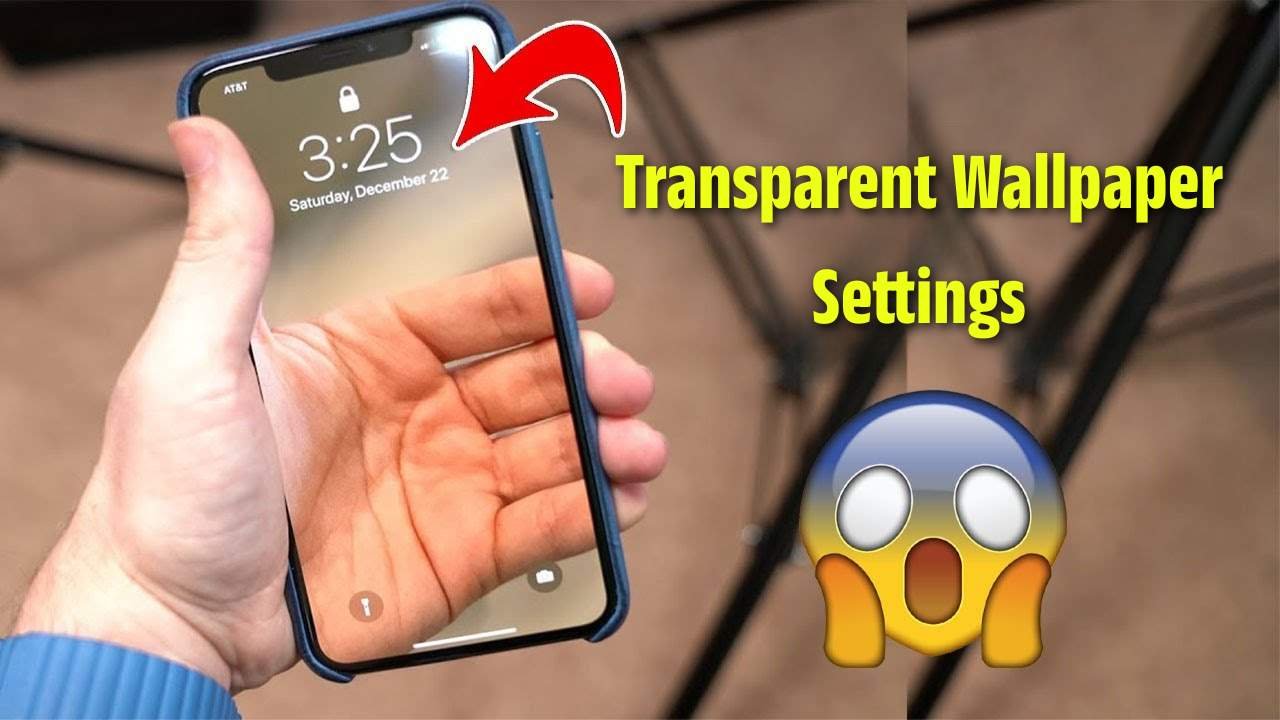
Smartphones today are no longer just communication tools – they’re also a medium of personal expression. One of the trending features that many users look for is transparent wallpaper. Unlike a regular static or live wallpaper, a transparent wallpaper creates an illusion where your mobile background looks see-through, showing whatever is behind the phone in real time. This gives a futuristic and stylish look to the device.
What is Transparent Wallpaper?
A transparent wallpaper is a special type of background where the home screen and lock screen appear see-through. Instead of a solid image or animation, it uses your mobile’s rear camera to display the real-world view as wallpaper. For example, if you hold your phone in front of a table, your wallpaper will show that table in the background.
How Transparent Wallpaper Works
- Camera Access – The feature uses the mobile’s back camera to capture live video.
- Overlay Effect – The camera feed is set as your wallpaper while still showing app icons and widgets.
- Battery Usage – Since it uses continuous camera streaming, it may drain the battery faster than a normal wallpaper.
- Customization – Some apps or in-built settings allow brightness, blur, or opacity adjustments.
Steps to Set Transparent Wallpaper on Mobile
The process may differ slightly depending on the phone brand and OS (Android/iOS), but the general steps are:
- Check Phone Settings
- Open the wallpaper settings in your mobile.
- Some latest devices have “transparent wallpaper” or “live background” options built-in.
- Use Third-Party Apps (if not in settings)
- Install an app designed for transparent wallpapers.
- Grant permission for camera access and display over apps.
- Set it as your home screen or lock screen background.
- Adjust Transparency
- Many apps allow you to set partial transparency so that app icons are still visible clearly.
- Adjust blur or brightness to balance the look.
- Apply & Save
- Once applied, your phone wallpaper will now look see-through, matching the environment behind it.
Advantages of Transparent Wallpaper
- Unique Look – Makes your device look futuristic and stylish.
- Dynamic Background – Background keeps changing depending on what’s behind the phone.
- Fun Element – Adds creativity and personalization.
- Eye-Catching – Grabs attention compared to traditional wallpapers.
Things to Keep in Mind
- Battery Consumption – Using the camera constantly consumes more power.
- Performance – On budget phones, it may slow down performance.
- Privacy – Since the wallpaper app uses your camera, always choose trusted apps.
- Clarity – Transparent wallpaper can make app icons harder to see if the background is too bright or colorful.
Use Cases of Transparent Wallpapers
- Stylish Look for Youth – Gives a trendy appearance to the phone.
- Tech Enthusiasts – Showcases creativity and new experiments with mobile design.
- Customization Lovers – For those who change wallpapers frequently, it’s a fresh experience.
- Video Background Option – Some versions allow adding video clips as semi-transparent wallpapers.
Conclusion
Transparent wallpaper settings on mobile are an innovative way to make your phone stand out. By using the rear camera feed as wallpaper, it creates a live, see-through effect that feels futuristic and stylish. While it looks amazing, users should also keep in mind the battery usage, performance impact, and privacy permissions. If applied carefully, it can be a fun and unique way to personalize your smartphone experience.